If you’re planning to sign in or already use the Expert Platform, this guide covers everything you need: from login steps, dashboard features, CF score, and payments, to best practices and troubleshooting—all without generic fluff.
What “Chegg Expert Login” Really Means in 2025
Chegg’s Expert Platform enables vetted subject specialists to answer student questions for pay. The term “chegg expert login” refers to accessing the authoring dashboard designed for experts. Once logged in, you gain access to authoring tools, performance metrics, and payment documentation.
Quick Start: Accessing the Expert Dashboard
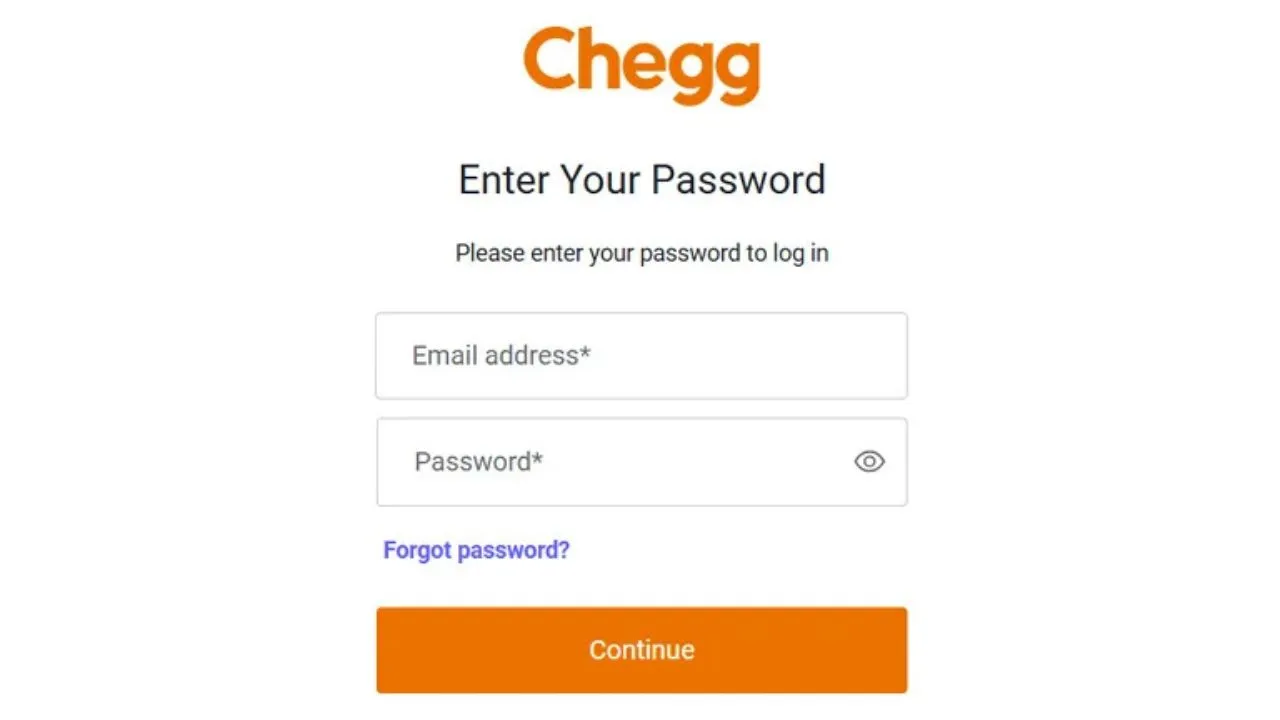
- Go to the Expert Platform sign-in page.
- Enter the email and password linked to your expert account.
- Complete any required verification.
- Once inside, you’ll see the dashboard with writing tools, CF score, and payment section.
- For password issues, use the “Reset/Forgot Password” option from the expert support area.
Eligibility Requirements for Logging In
To log in as a Chegg expert—especially in India—you need:
- Verified subject expertise in fields such as engineering, business, or science
- PAN card, Indian bank details, and address proof for compliance
- Successful completion of Chegg’s onboarding and qualification tests
- No fees charged for signing up or continuing
After Login: What the Expert Platform 2.0 Offers
Once you log in, you will find:
- Authoring tools to pick and answer student questions
- Advanced editor features like math-in-text, templates, tables, image uploads, and answer previews
- Performance dashboard to track answers, skips, ratings, and CF score
Platform 2.0 emphasizes typed, structured responses with optional diagrams or images for clarity.
CF Score: Why It Matters for Login Privileges
The CF (Content Feedback) Score reflects the percentage of positive ratings you receive. It’s calculated as:
Positive Ratings ÷ Total Ratings × 100
A low CF score can reduce or remove your ability to answer questions. To maintain a high CF score:
- Answer thoroughly with step-by-step explanations
- Use platform templates for clarity
- Include reasoning, not just results
- Proofread answers before submission
Payments: What to Expect Behind the Login
Your payment dashboard shows:
- Payment details for the prior month by mid-month
- Processing of funds shortly after that date
- Downloadable payslips and TDS certificates (Form 16A)
- For India-based experts, TDS deductions as per tax rules, with quarterly Form 16A availability
Always verify your bank and tax details before the payment cycle begins.
Common Reasons for Account Restrictions
Experts can lose access due to:
- Low CF score
- Plagiarism or unoriginal answers
- Excessive question skips without proper reason
- Poor-quality answers (blurry images, incomplete work)
- Requesting upvotes inside answers
- Accuracy issues in multiple submissions
If access is limited, review dashboard notifications and address violations promptly.
Upholding Academic Integrity
Chegg’s Honor Code applies to experts. You should:
- Avoid aiding in active exams or misconduct
- Provide conceptual explanations to foster learning
- Keep answers structured and clear
- Maintain professionalism in tone and content
Troubleshooting Login or Access Issues
1. Can’t log in:
Reset your password and ensure you’re using the expert platform, not the student portal.
2. Dashboard loads but answering is disabled:
Check for quality-related restrictions or a low CF score.
3. No questions available:
This can happen during low-traffic times; try again later.
4. Missing payment info:
Payment details and certificates appear mid-month; revisit after a few days if not visible.
5. Account flagged for compliance:
Follow dashboard instructions to resolve the flagged issues.
Best Practices to Keep Your Expert Access Strong
- Structure answers with numbered or bulleted steps
- Use typed math and platform templates
- Preview before submission to catch errors
- Answer exactly what’s asked, clarifying assumptions when needed
- Maintain a professional, student-friendly tone
Security Tips for Your Expert Account
- Use only official login pages
- Avoid saving credentials on public devices
- Update bank and tax details before the payout date
- Download and store payment documents regularly
Indian Expert Considerations
- Expect TDS deductions and quarterly Form 16A certificates
- Keep PAN, bank account, and address proof updated
- Log in mid-month to review payment and certificate availability
Final Thoughts
A smooth chegg expert login experience relies on quality, compliance, and proactive account management. Leverage Platform 2.0’s tools, protect your CF score, track payments, and address issues promptly to keep your access uninterrupted.
FAQs: Chegg Expert Login (2025)
1) How do I access the expert dashboard after approval?
Use the expert login page with your registered credentials. If redirected to the student portal, switch to the expert platform.
2) Why are there no questions after login?
It can happen during low-activity periods. Refresh the queue or log in at different times.
3) When will my TDS certificate be available?
Certificates are typically posted quarterly, with payment details visible mid-month.
4) What happens if my CF score drops?
Low CF scores can limit or remove answering privileges until improved.
5) Why can I log in but not answer questions?
This is often due to restrictions related to quality or compliance issues.
6) Are images allowed in answers?
Yes, but they must be clear and accompanied by explanatory text. Avoid image-only answers.
7) How do I keep my account secure?
Sign in through official channels, keep credentials private, and update your payment details before each cycle.